SSO providers
Where: Settings → SSO providers
Settings → SSO providers configures OpenID Connect single sign-on: “Admin-audience providers sign in seller-side staff; storefront-audience providers sign in a buying company’s users (JIT-provisioned).”
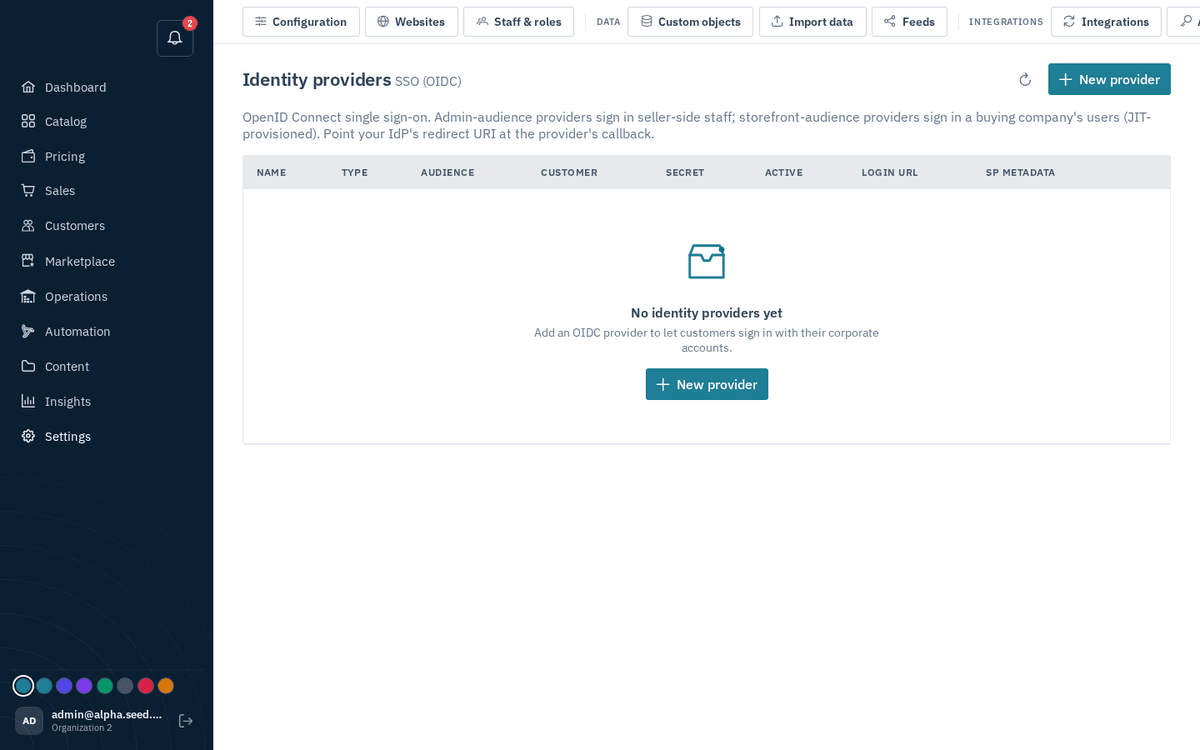
Settings → SSO providers — OIDC for staff and buyer organizations
- Press “New provider”.
- Fill in: Name, Audience (admin = your staff; storefront = a buying company’s users, in which case also pick the Customer), then the OIDC details from the identity provider: Issuer, Authorization endpoint, Token endpoint, JWKS URI, Client ID, Client secret (“blank = keep” on edit), Scopes (default “openid email profile”).
- Use the provider row’s test login link to verify before rolling it out.
note
This screen is OIDC-only. SAML is supported by the platform but is configured by your operator/IT through the API, not through this page — configured SAML providers do appear in the table with their metadata link.