API keys
Where: Settings → API keys
Settings → API keys issues scoped tokens for external systems. The page’s own warning is the whole policy: “…the secret is shown only once — store it somewhere safe. A key can do exactly what its scopes allow.”
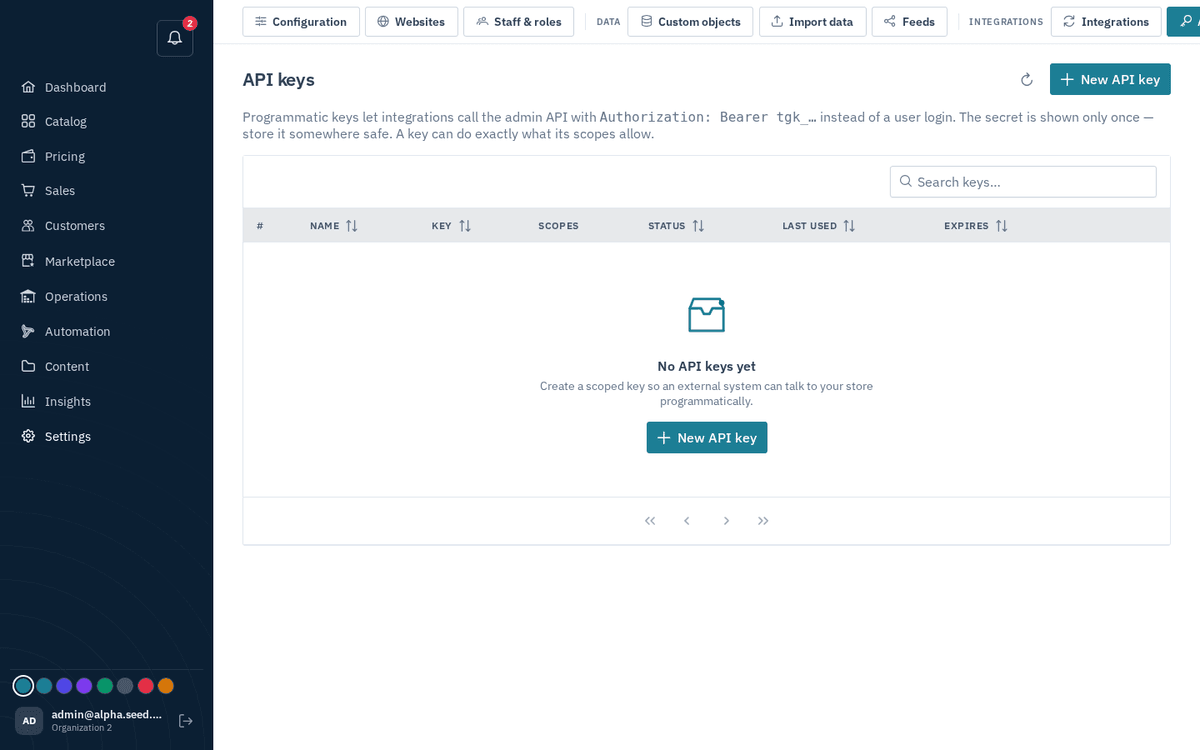
Settings → API keys — scoped programmatic tokens; the secret shows only once
- Press “New API key”.
- Fill in: Name (“e.g. Zapier integration”), Scopes (multi-select — “Only your own permissions are offered. A key can never exceed your access.”), and an optional Expires date (“Leave empty for a key that never expires.”).
- On creation the secret is revealed once, with the warning “Copy this secret now — it will not be shown again.” — copy it into your password manager immediately.
- Per-key actions: Rotate (“issues a new secret, invalidates the old one”) and Revoke (‘Revoke “‹name›”? Any integration using it stops working immediately.’). The table shows the key prefix, scope count, status, Last used, and expiry.