Returns
Where: Sales → Returns
Go to Sales → Returns. The page states the whole flow up front: “Return requests move requested → approved → received (restock + credit note), or rejected.”
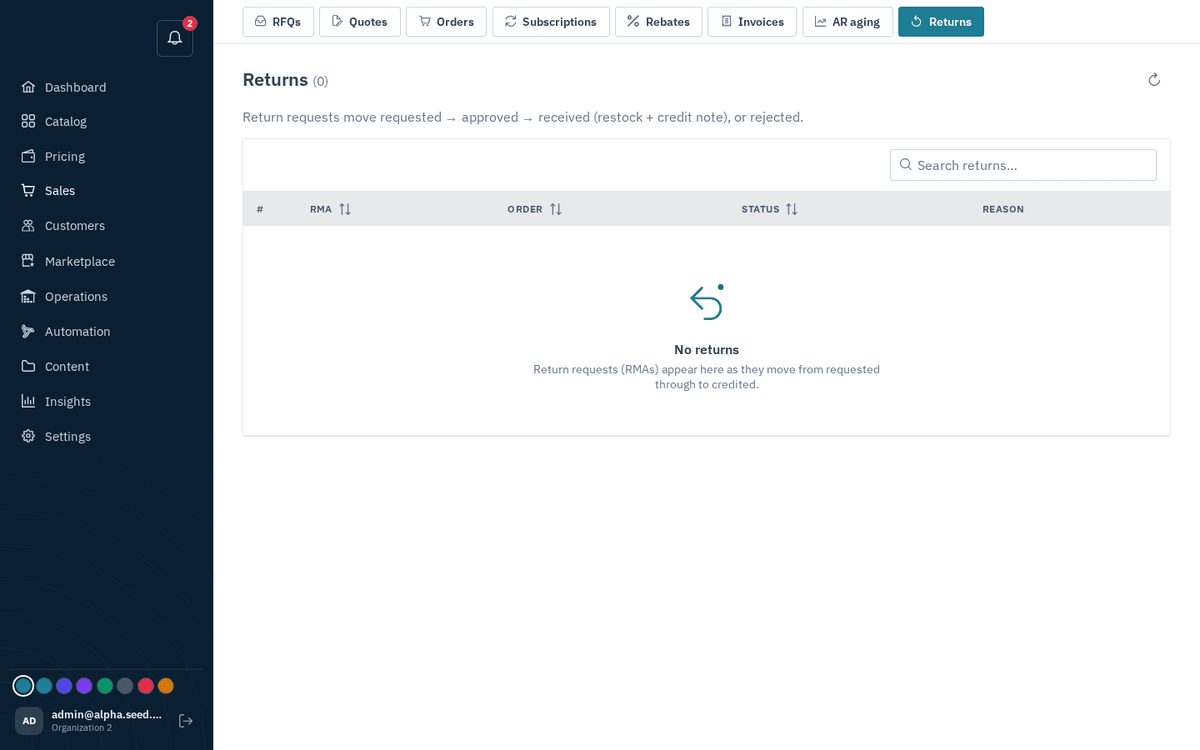
Sales → Returns — requested → approved → received (restock + credit note)
The table shows #, RMA reference, Order, Status (requested amber, approved blue, received/closed green, rejected red), and the buyer’s Reason. It pages through every return, newest first; search by RMA reference, customer, order or reason, or pick a status (for example Requested for everything still awaiting a decision). Clicking the RMA, Order or Status header sorts every matching return, not just the page on screen.
- Click a row. The dialog “Return ‹ref›…” lists the items (Product / SKU / Qty / Unit) and any Credit notes already issued.
- Act according to status:
- requested → press Approve, or Reject (the red outline button) if the return isn’t valid.
- approved → press “Receive (restock + credit)” when the goods physically arrive. Receiving does two things at once: it restocks the returned quantities into the warehouse they shipped from, and it issues a credit note for unit price × returned quantity.
- anything else → Close.
- Each action toasts “Return ‹status›”.
Built-in guardrails you don’t have to police manually:
- Only shipped goods are returnable, and per line the cap is dispatched minus already returned — the system rejects over-returns, so you can never credit more than was actually bought and shipped.
- Cancelled orders have nothing to return.
- Your decision note on a rejection is sent to the buyer.
Buyers request returns themselves from their order page on the storefront, and they see their credit notes in their storefront account — you only ever handle the approve/receive decisions here.