Leads
Where: Customers → Leads
Go to Customers → Leads. Every enquiry from the storefront contact form lands here automatically as a lead with source storefront_form — no copy-pasting from an inbox.
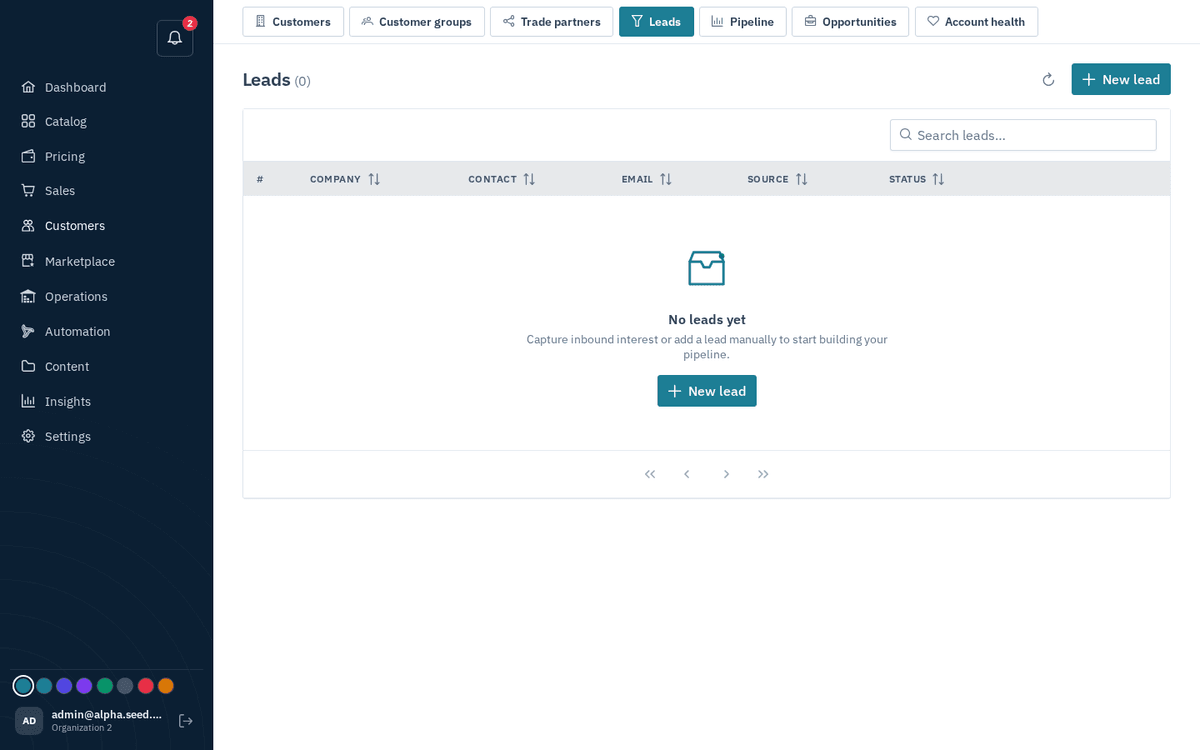
CRM → Leads — storefront enquiries land here; convert to customer + opportunity
The newest leads come first. Search (company, contact, email, phone, source or status) and the column sorts run over every lead, not just the page on screen.
- Click a lead to read it. The enquiry opens in full — the message exactly as the visitor typed it, their company, email and phone (both clickable), the source and when it arrived. The notification for a new enquiry opens the same view.
- Turn it into a request for quote. Press “Create RFQ” in the enquiry. The lead is converted (customer, contact and opportunity, as with Convert), the items the visitor asked for are matched to your catalog and added as RFQ lines, anything unmatched is kept in the RFQ notes for you to price by hand, and you land on the RFQ in Sales → RFQs ready to quote. A lead that already has one shows “View RFQ” instead.
- Quote requests route themselves. An enquiry that asks for a quotation or prices and names quantities becomes an RFQ the moment it arrives — you are notified of the request for quote, not of a lead, and the lead shows an RFQ tag. Plain enquiries stay leads until you decide.
- To add one by hand, press “New lead” and fill in: Source (manual / storefront_form / rfq / import / referral), Company name, Contact name, Email, Phone. (When editing, a Status field appears: new / qualified / disqualified.)
- When a lead is real but not yet a quote, press “Convert”. The toast confirms both artifacts: “Converted — Customer #N + opportunity created”. The button greys out once converted.