Opportunities
Where: Customers → Opportunities
Customers → Opportunities is the same data as a list.
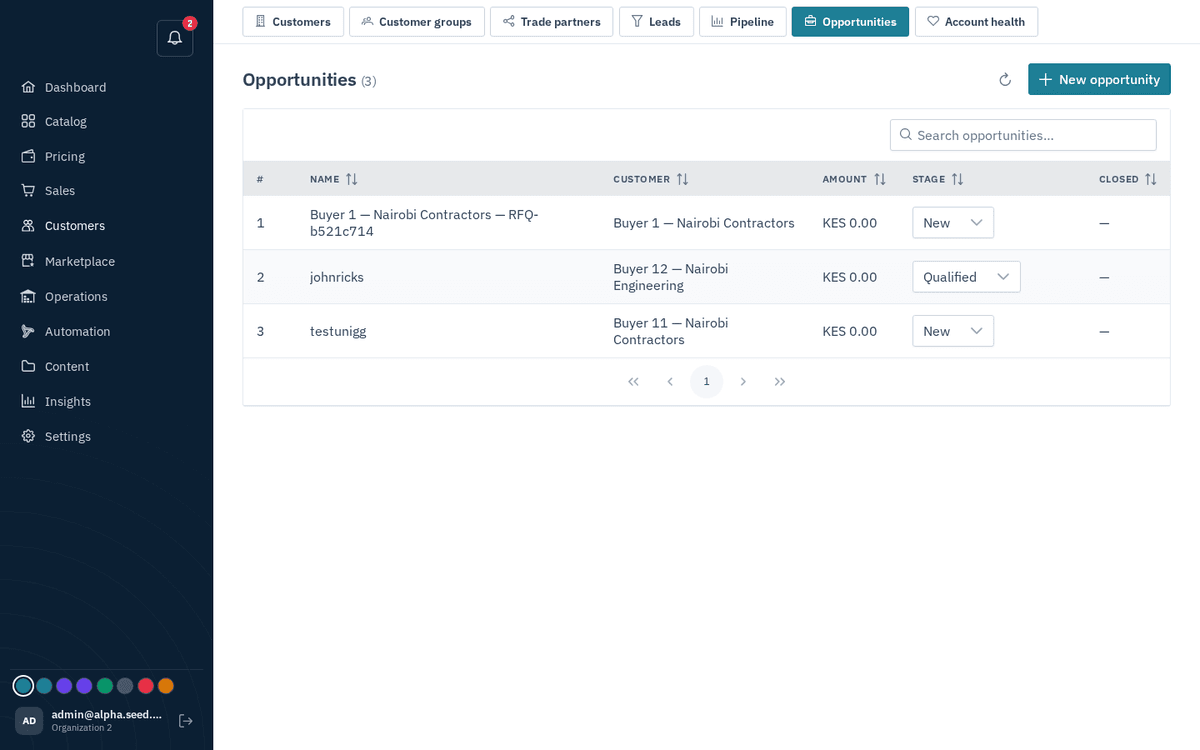
CRM → Opportunities — deal list with inline stage moves
- Press “New opportunity”: pick the Customer, give it a Name, and an Amount (in your store currency). Missing either customer or name trips the validation “Customer ID and name are required”.
- Change a deal’s stage right in the list — the Stage column is an inline dropdown; changing it toasts “Stage updated — ‹stage›”.