Approval routing
Where: Automation → Approval routing
Automation → Approval routing decides who at the buying company may approve a held order, by amount. The page explains: “When a held order is approved by a buyer’s company, the order amount must fall to an approver whose role meets the tier below…”
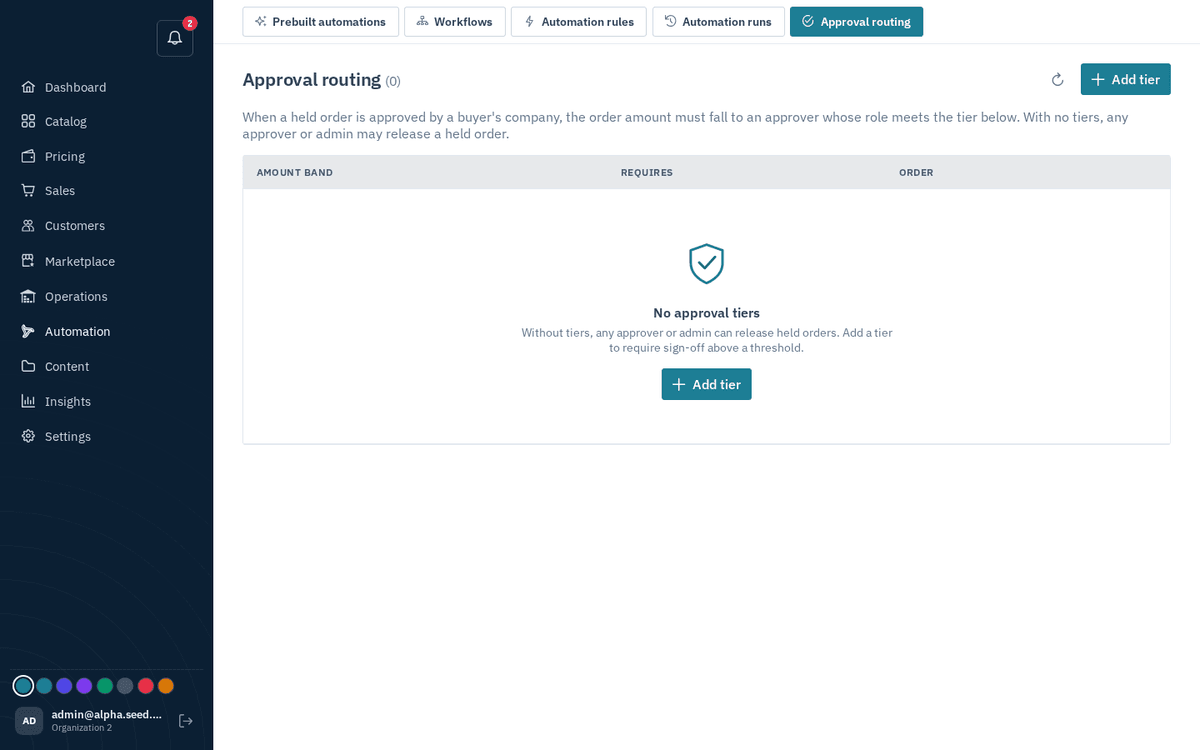
Automation → Approval routing — amount bands that decide who must approve
- Press “Add tier”.
- Fill in: Min amount, Max amount (“blank = no ceiling”), Required role — Approver (or higher) or Admin only — and Sort order.
- Save — toast “Tier added”.
Example: tier 1 = 0–50,000 requires Approver; tier 2 = 50,000 and up (blank max) requires Admin only. A company approver trying to release an order above their tier is told the amount “requires a higher approver role”. (Separation of duties is always on: nobody can approve an order they placed themselves.)