Approvals and spending limits
Where: ⋯ → Approvals (approvers and admins)
Why an order goes on hold
Each company user can carry a spending limit (Managing your company). When a buyer places an order whose total exceeds their limit, the order is not sent to the seller — it goes On hold and waits in the company’s approval queue. The buyer sees the hold on the order page; approvers see an alert on their dashboard: “N order(s) are waiting for your approval”.
Sellers can also configure tiered approval routing: amount bands that decide who must approve. A small overage might need any approver; a very large order might specifically require a company admin. If your approval doesn’t release an order, it may be waiting for a higher tier — check with your admin.
The approver queue
Open ⋯ → Approvals (visible to users with the approver or admin role).
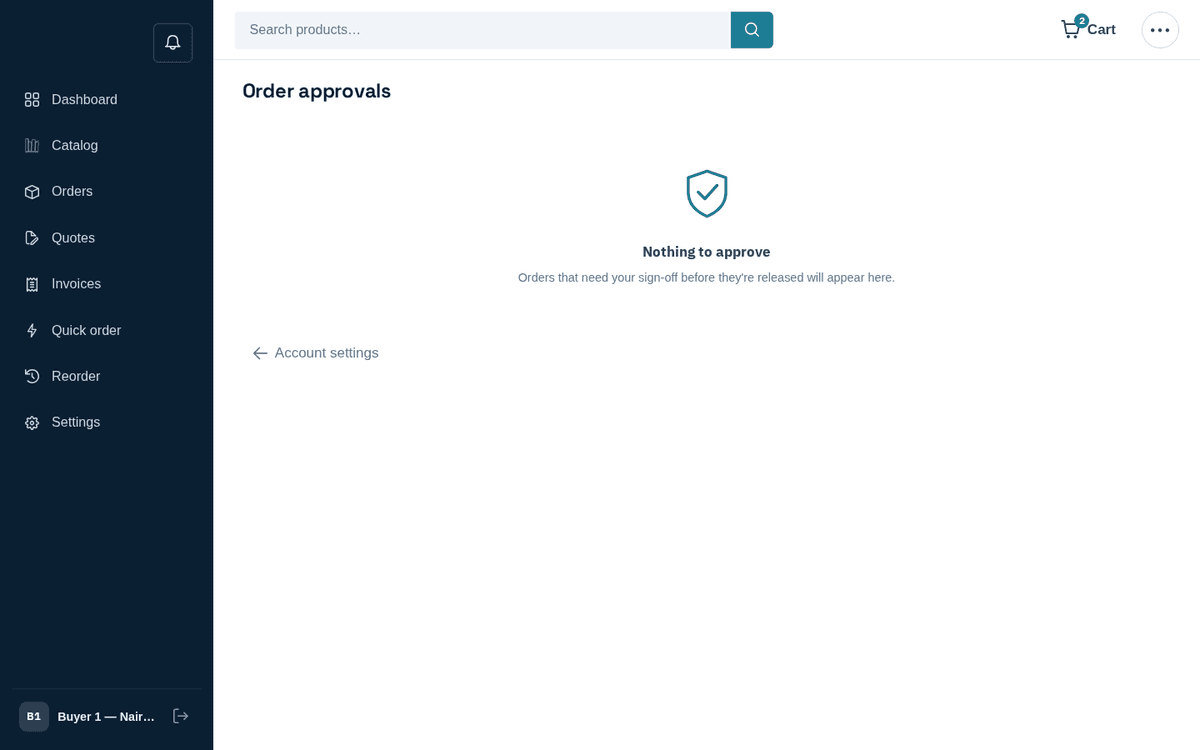
Approvals queue — over-limit orders wait here for an approver
The banner explains the queue: “These orders exceeded the buyer’s spending limit and need your sign-off before they’re released.” Each card shows the order number, “Placed by ‹name› · PO ‹po› · ‹date›”, the total, and the line breakdown.
- Review the card — who bought what, for how much, on which PO.
- Press Approve to release the order to the seller (“Order approved and released.”) or Reject to stop it (“Order rejected.”).
You cannot approve your own purchases — acting on an order you placed yourself returns “You cannot act on an order you placed yourself.” Another approver must sign it off.
If your order is stuck on hold, don’t place it again — you’ll just create a second held order. Ping your approver; the dashboard tile shows them exactly what’s waiting.