Shopping lists
Where: ⋯ → Lists
Open Lists (in the ⋯ menu). Lists are reusable baskets — one per site, per machine, per season.
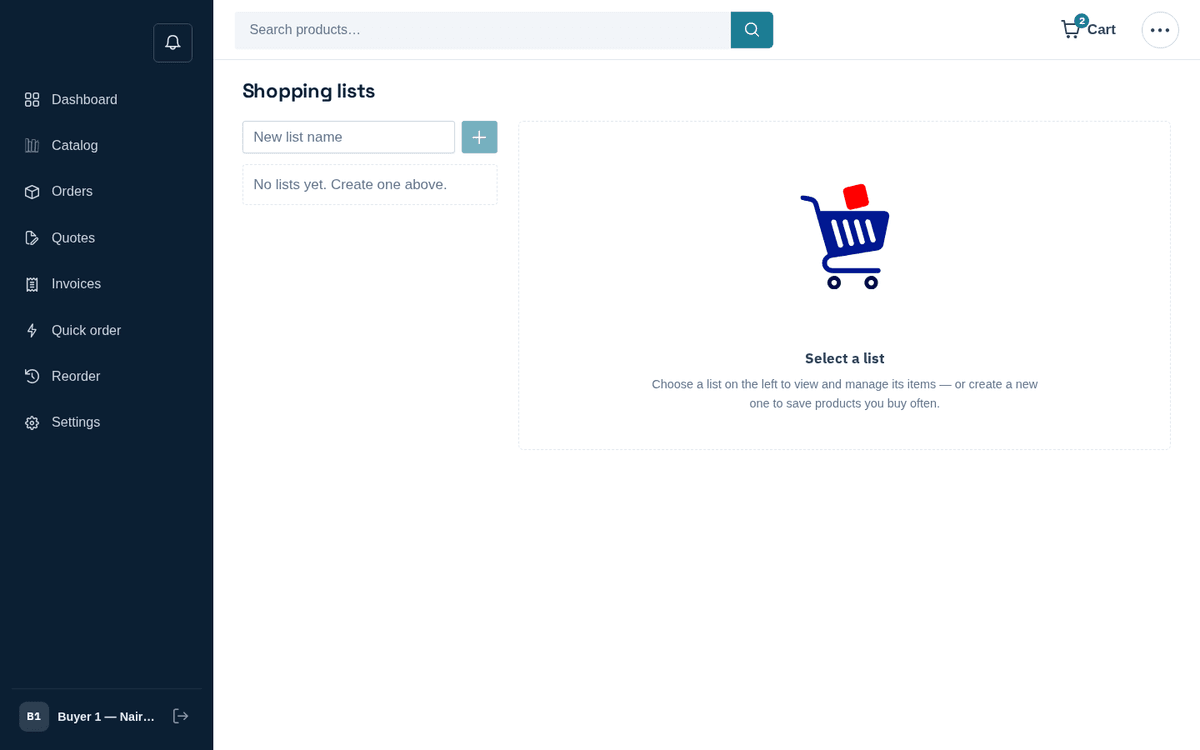
Shopping lists — save recurring baskets and add them to the cart in one click
- Create a list: type a name into “New list name” and press the + button.
- Rename with the pencil icon, delete with the trash icon (you’ll be asked to confirm: “Delete the list”‹name›“? This can’t be undone.”).
- Select a list to see its items table (Product, SKU, Qty). Adjust quantities with the steppers; remove items with the trash icon.
- Press Add all to cart to load the whole list into your cart and go there. Items priced on request come along marked On request, and the cart offers to send everything as one quote request.
tip
Fill lists from the catalog as you browse, then buy from the list. A list plus the free-shipping meter is the easiest way to consistently clear the free-shipping threshold.