Reorder and reorder suggestions
Where: An order's Reorder button · Reorder in the sidebar
Reorder a past order
Open any past order (Tracking orders) and press Reorder. All its items are added to your cart at current prices and you’re taken to the cart. Items that no longer have a price for you come along marked On request; the cart then offers Request a quote for these items, or you can remove them and check out the rest.
“Time to reorder” suggestions
Open Reorder in the sidebar. The page — “Time to reorder: Based on how often you order these, they’re due (or overdue) for a refill.” — watches your ordering rhythm per product and lists what’s due.
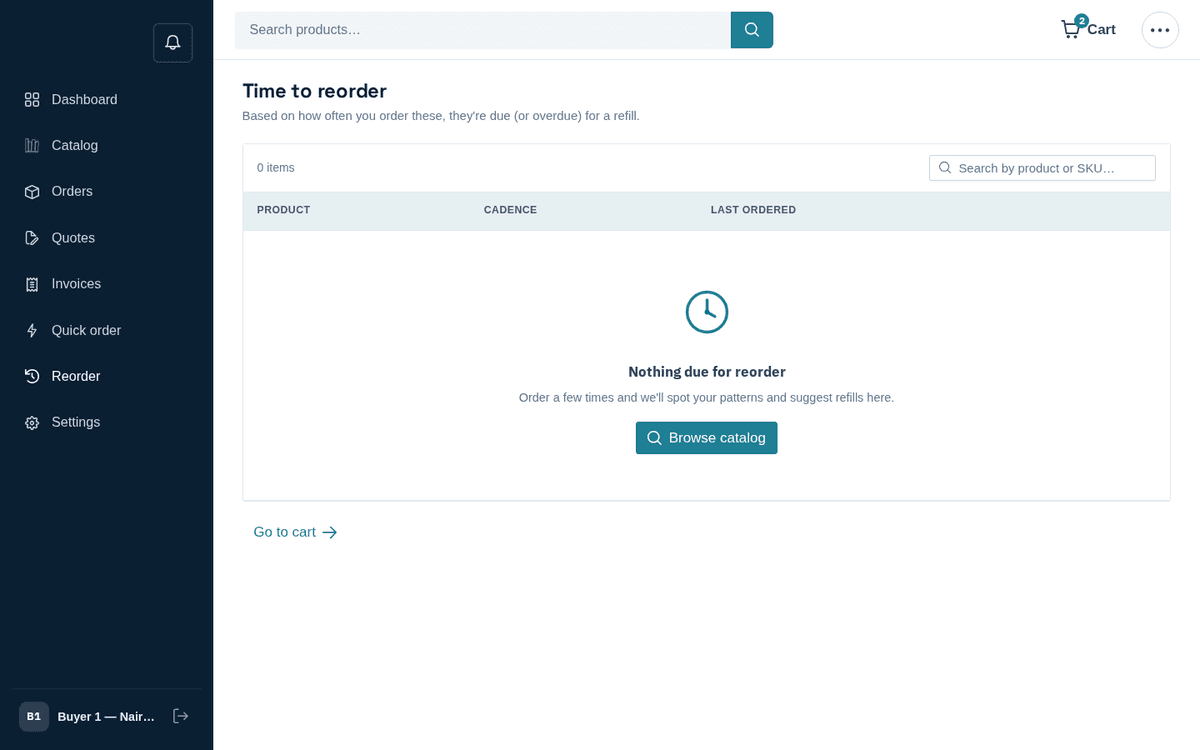
Time to reorder — the store suggests refills based on your buying cadence
Each row shows the product (with SKU), your cadence (“~every N days”), when you last ordered (“N days ago”), and a badge — “due now” or “‹n›d overdue”. Press Add to cart on a row (“‹name› added to your cart.”) and Go to cart when done.
If you’re new here, the page says “Nothing due for reorder — Order a few times and we’ll spot your patterns and suggest refills here.”