Exchange rates
Where: Pricing → Exchange rates (feature-gated)
If your plan includes multi-currency, Pricing → Exchange rates manages the pairs.
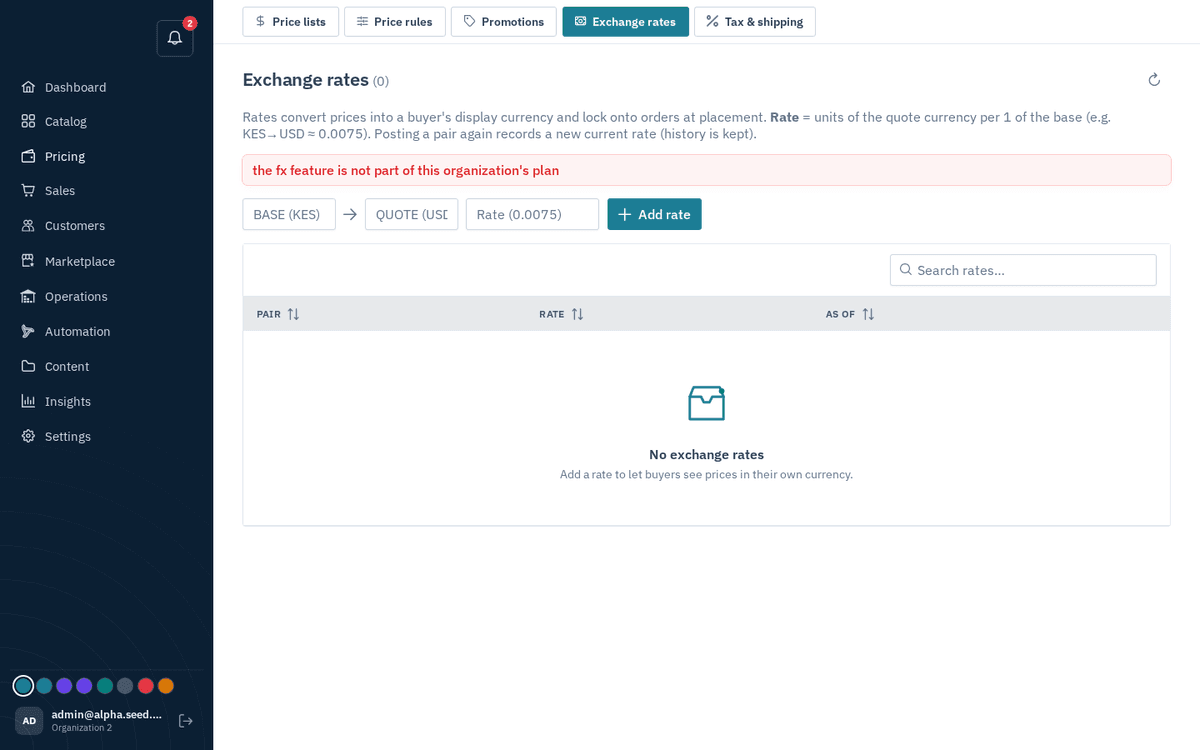
Pricing → Exchange rates — currency pairs with history
- In the inline row, enter the Base currency code, the Quote currency code, and the Rate (units of the quote currency per 1 unit of base — e.g. base KES, quote USD, rate 0.0075).
- Press “Add rate” — toast “Rate saved”.
Re-posting an existing pair records a new current rate and keeps the old one as history. Validation: “Enter two different 3-letter codes and a positive rate.”
Daily rates from the Central Bank of Kenya
The Central Bank of Kenya (CBK) publishes the commercial banks' average closing rates every business morning for 21 currencies: the US dollar, pound, euro, rand, Ugandan, Tanzanian, Rwandan and Burundian currencies, dirham, Canadian dollar, Swiss franc, yen, Swedish, Norwegian and Danish kroner, Indian rupee, Hong Kong and Singapore dollars, riyal, yuan and Australian dollar.
- Press “Fetch CBK rates” — toast “21 CBK rates saved”, with the CBK day it came from. The table now holds a rate from your store currency to every currency CBK lists, dated that day.
- Turn on Update daily from CBK to refresh them each morning (11:00 Nairobi time) without pressing the button. Turning it on fetches the current day straight away.
Each row shows the currency's flag and name with the rate read both ways, for example 1 USD = 129.92 KES and, beside it, 1 KES = 0.007697 USD. Search finds a currency by name or code.
Pressing the button again on the same CBK day shows “CBK rates already up to date” and changes nothing. A rate you add by hand later that day stays current until CBK posts the next day. CBK only covers stores whose currency is the shilling or one of those 21; any other store currency gets the message “the Central Bank of Kenya does not quote this currency”.