Browsing by category
Where: Catalog in the navy band
- Click Catalog in the navy band (or the sidebar when signed in). A full-width menu opens with the top-level categories — each tile shows the category image, name and “‹n› products” — plus an All products → link.
- Click a category tile to open its listing page.
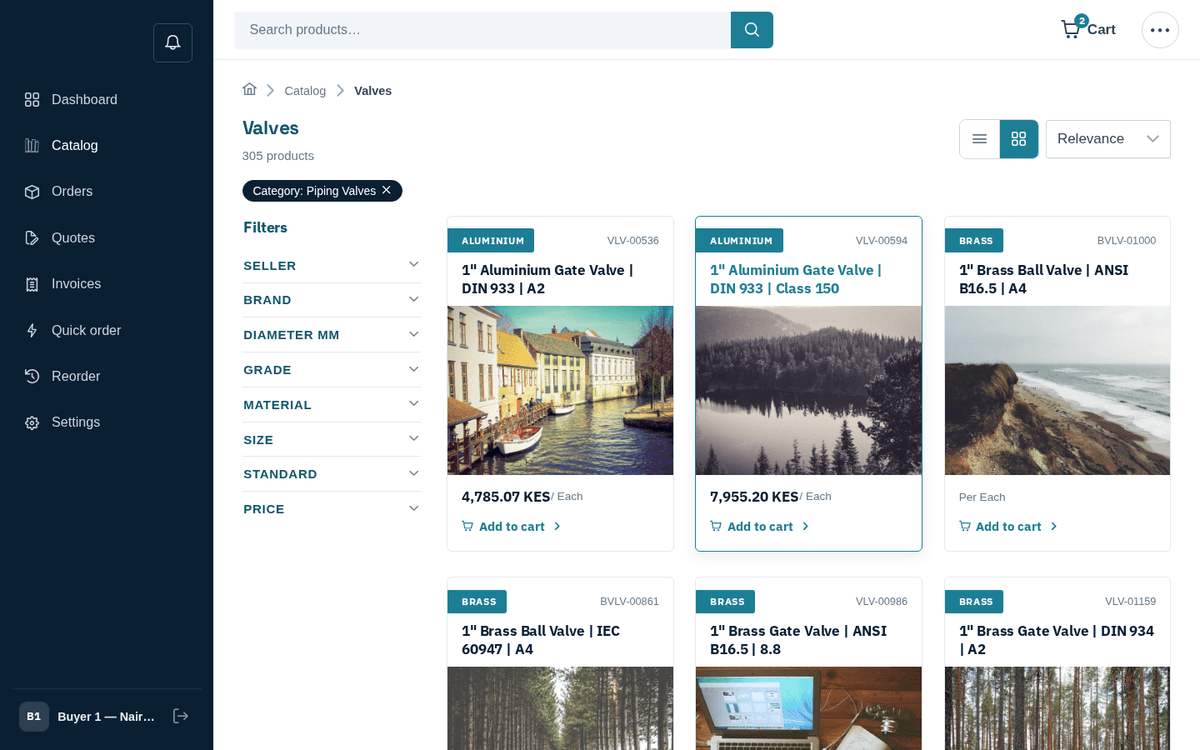
Browsing the Valves category — tiles, filters and sorting
Inside a category:
- A “Browse ‹category›” band of child-category tiles appears above the products when the category has sub-categories.
- The active category shows as a dark removable chip — “Category: ‹name› ×” — and in the breadcrumb (“Catalog → ‹name›”). Click the × to widen back out to everything.
- All the same filters, sorting and pagination from search apply.
The untouched All products page also opens with a “Shop by category” tile band, so you can start from either direction.