Supplier feeds
Where: Operations → Supplier feeds
Operations → Supplier feeds keeps your availability honest when stock actually sits with suppliers. A feed either pulls stock data from the supplier’s system on a schedule or lets the supplier push it to you.
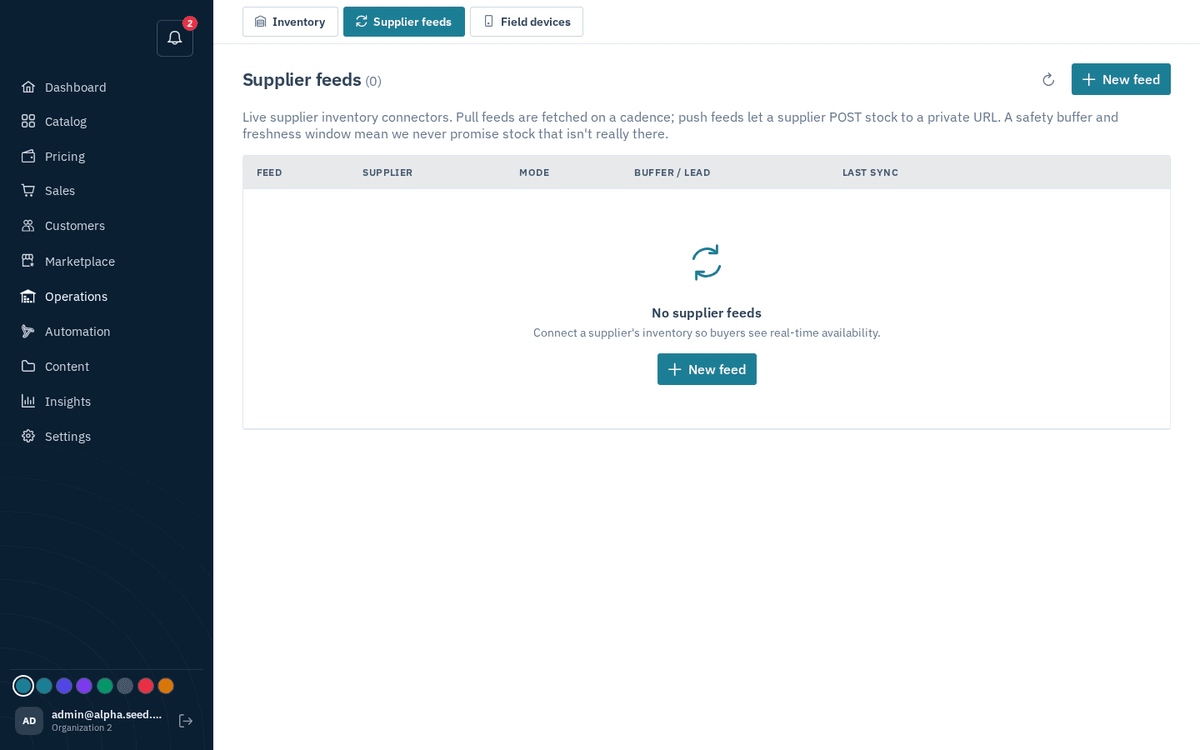
Operations → Supplier feeds — pull/push stock connectors with safety buffers
- Press “New feed”.
- Fill in: Supplier (vendor), Feed name, Mode — “Pull (we fetch)” or “Push (supplier sends)” — and Format (JSON / CSV / EDI 846). Pull feeds also take an Endpoint URL and an optional Authorization header.
- Set the safety knobs: Safety buffer (units withheld) — units you never promise, in case the supplier’s number is stale; Default lead time (days); Stale after (minutes) — when to stop trusting old data; Sync every (minutes); and Active.
- Per-feed actions: “Sync now” (toast “Synced — N matched, N skipped”) for pull feeds, or “Push URL” for push feeds — the dialog “Supplier push URL” warns: “Share this private URL with the supplier… keep it secret.”