Vendor applications
Where: Marketplace → Applications
Would-be sellers apply through a public form. Their applications arrive at Marketplace → Applications, shown by default as a kanban of pending / approved / rejected.
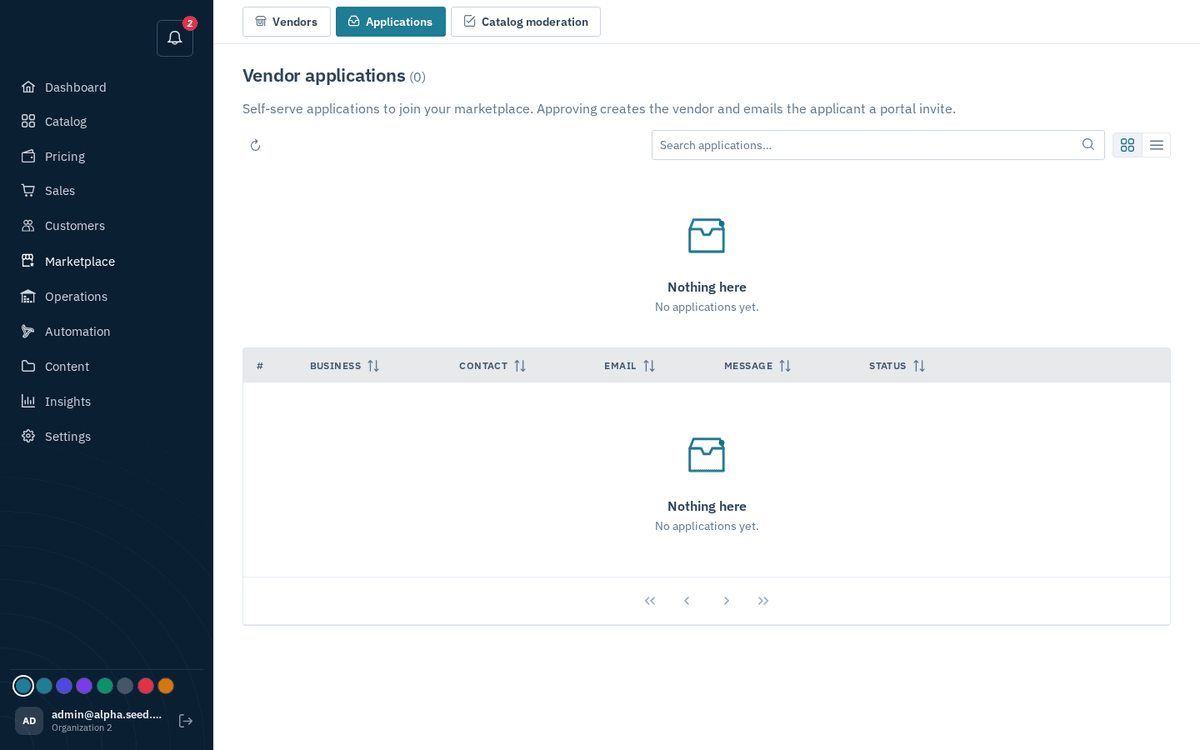
Marketplace → Applications — approve or reject self-serve vendor applications
Approving:
- Press Approve on an application.
- The dialog “Vendor approved” confirms: “‹name› is created. We’ve emailed the applicant an invite link; you can also share it directly:” — with the invite link ready to copy (toast “Invite link copied”). The applicant uses the link to set a password for their vendor portal; invites last 14 days.
Rejecting:
- Press Reject. The dialog “Reject ‹business›” offers a textarea: “Optionally tell the applicant why. They’ll receive this in the rejection email.” (placeholder: “e.g. We’re not onboarding this category right now.”).
- Confirm — toast “Application rejected”.