The Payouts page
Where: Payouts in the sidebar
Reading the Payouts page
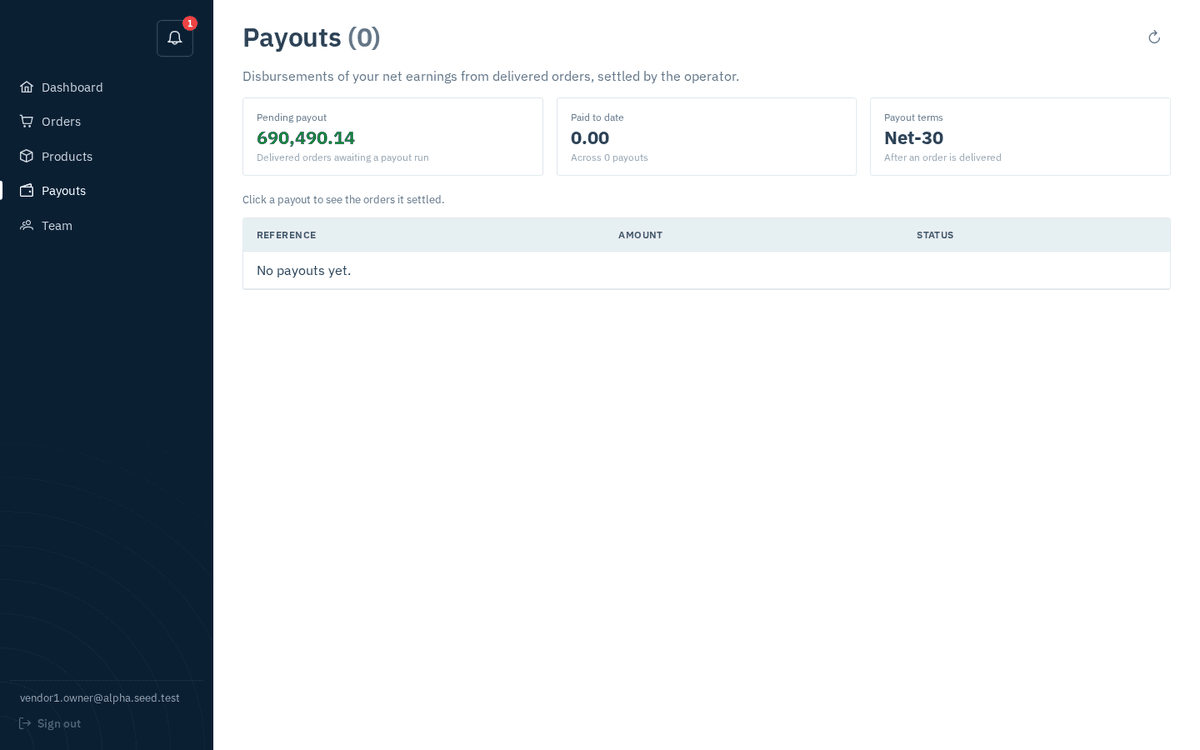
The Payouts page — pending vs paid totals, your Net-N terms, and every remittance
The page sub-line describes exactly what it holds: “Disbursements of your net earnings from delivered orders, settled by the operator.” Three summary cards sit on top:
| Card | Meaning |
|---|---|
| Pending payout (green figure) | “Delivered orders awaiting a payout run” — net money you’ve earned by delivering that hasn’t been bundled into a payout yet. |
| Paid to date | Everything already paid, “Across N payouts”. |
| Payout terms | Your Net-N terms — “After an order is delivered”, payment is due within N days. |
Below, the hint “Click a payout to see the orders it settled.” introduces the table: Reference, Amount, and a Status tag. Until the operator runs your first payout the table simply reads “No payouts yet.”
How a payout happens (the operator’s side)
You don’t generate payouts — the operator does, from their admin console, where your commission rate and payout terms live:
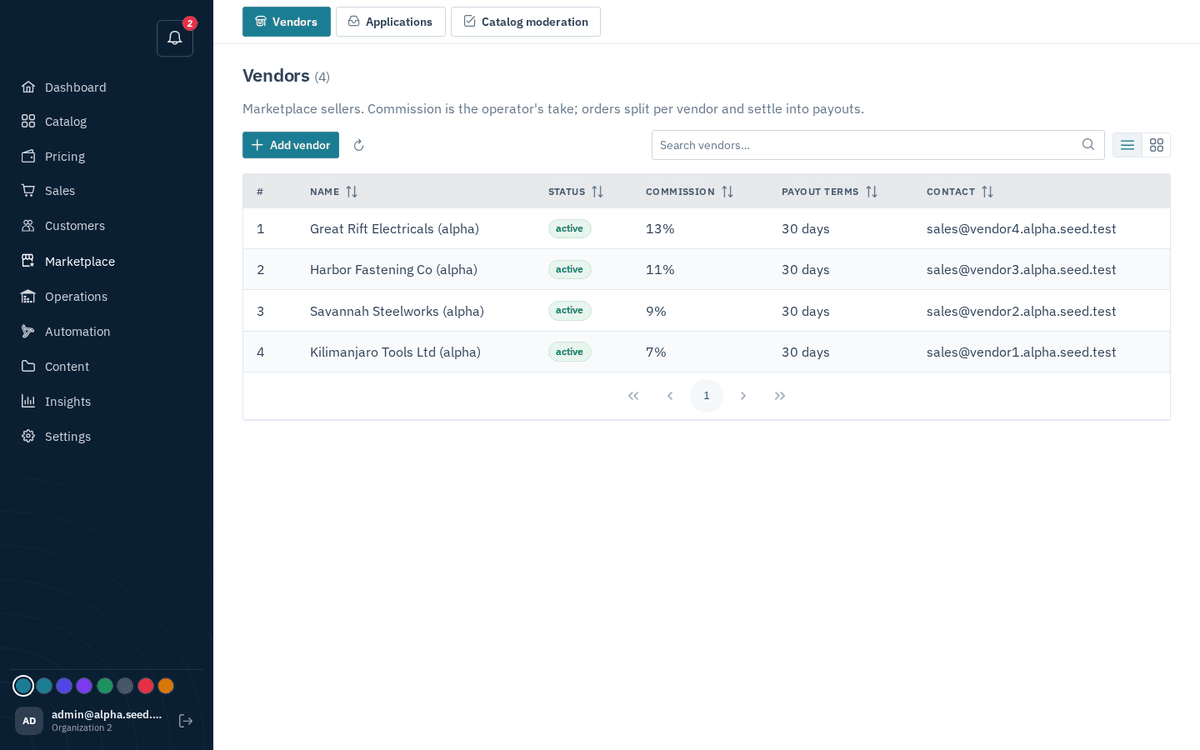
The operator’s Vendors page — commission rates and payout terms per vendor; payouts are generated from each vendor’s detail
Their flow, so you know what to expect:
- The operator opens your vendor record and clicks Generate payout. Sokisoko bundles all your delivered, not-yet-paid sub-orders into one payout for the total net. (If nothing qualifies, their console tells them “Nothing to pay out” — which is why a payout can’t exist before you’ve delivered something.)
- They disburse it — sending the money by bank transfer, mobile money or their payment provider — and record it, usually attaching a reference (e.g. a bank transaction number like BANK-TXN-12345).
- The payout’s status updates in your portal, and your Pending payout figure drops accordingly.
How often payouts run (weekly, monthly, on request) is the operator’s policy, bounded by your Net-N terms. The portal shows you the state of things; the cadence question belongs to the operator.
Payout statuses
| Status tag | Colour | Meaning |
|---|---|---|
| pending | Amber | Created, not yet sent. |
| processing | Blue | Disbursement is in flight with the payment provider. |
| paid | Green | Money sent. Check the reference against your bank/mobile-money statement. |
| failed | Red | The transfer failed — the reason appears right under the tag (e.g. an invalid account). The operator can retry it after fixing the cause. |
| cancelled | Red | The operator withdrew this payout run. The orders in it return to your pending pool. |
The remittance detail
Click any payout row to open its remittance dialog, titled “Payout [reference]”:
- The status tag, the total amount, and — where the operator’s payment provider supplied one — a provider reference (“Ref: …”).
- The line table: every order the payout settles, with Order / Date / Status / Gross / −Commission / Net.
This is your reconciliation document: each line’s Net sums to the payout amount, and each line traces back to an order you can open on the Orders page. (An empty list shows “No orders recorded for this payout.” — rare, and worth a question to the operator.)
Match the payout Reference to your bank or mobile-money statement line, then file the remittance breakdown with your bookkeeping — it’s the itemised proof of what the lump sum covered.