Signing in
Where: Your vendor portal address — it always ends in /portal
Signing in
- Open the vendor portal address (ends in /portal). You land on the sign-in page — headline “Sell on your terms.”
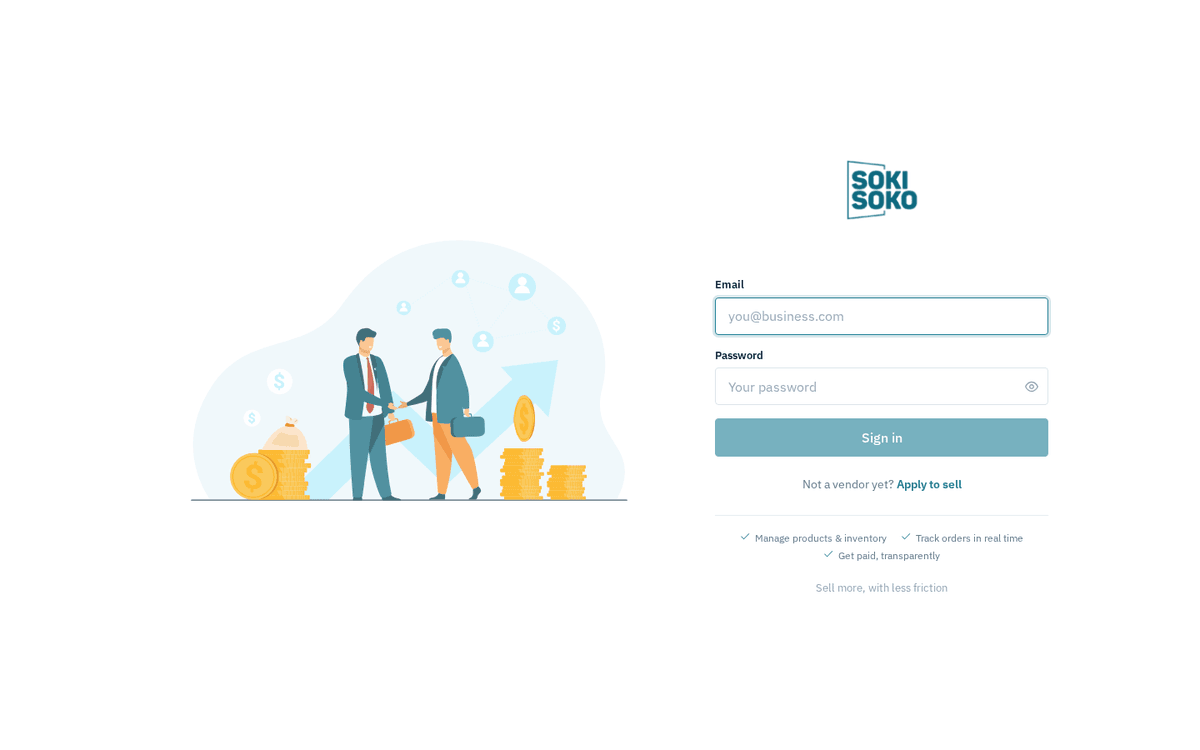
The vendor portal sign-in page
- Enter your Email and Password, then click Sign in. The button is disabled until both fields are filled, and shows a spinner while it works.
- On success you land on your Dashboard (or, if you followed a deep link — say, a notification pointed you at Orders — you land exactly where you were headed).
If the email/password pair is wrong you’ll see “Invalid credentials” in a red banner. The message is deliberately the same whether the email is unknown or the password is wrong.
Your session lasts about 24 hours. After that the portal quietly signs you out and returns you to the sign-in page — your data is safe, just sign in again.
One email, several marketplaces (the Organization ID field)
Sokisoko can host many independent marketplaces. If the same email address is a vendor user on more than one of them and you sign in at a shared portal address, the portal cannot guess which business you mean. In that case, after your first sign-in attempt the form reveals an extra field:
- Organization ID — a number (the placeholder shows e.g. 1), accompanied by the message “this email exists in multiple organizations; pass org_id”.
Enter the organization number for the marketplace you want and click Sign in again. If you don’t know your organization number, ask the marketplace operator — it is theirs to give.
If you always sign in through a marketplace-specific address (one branded to a single store), you will likely never see this field — the address itself tells the portal which marketplace you mean.